

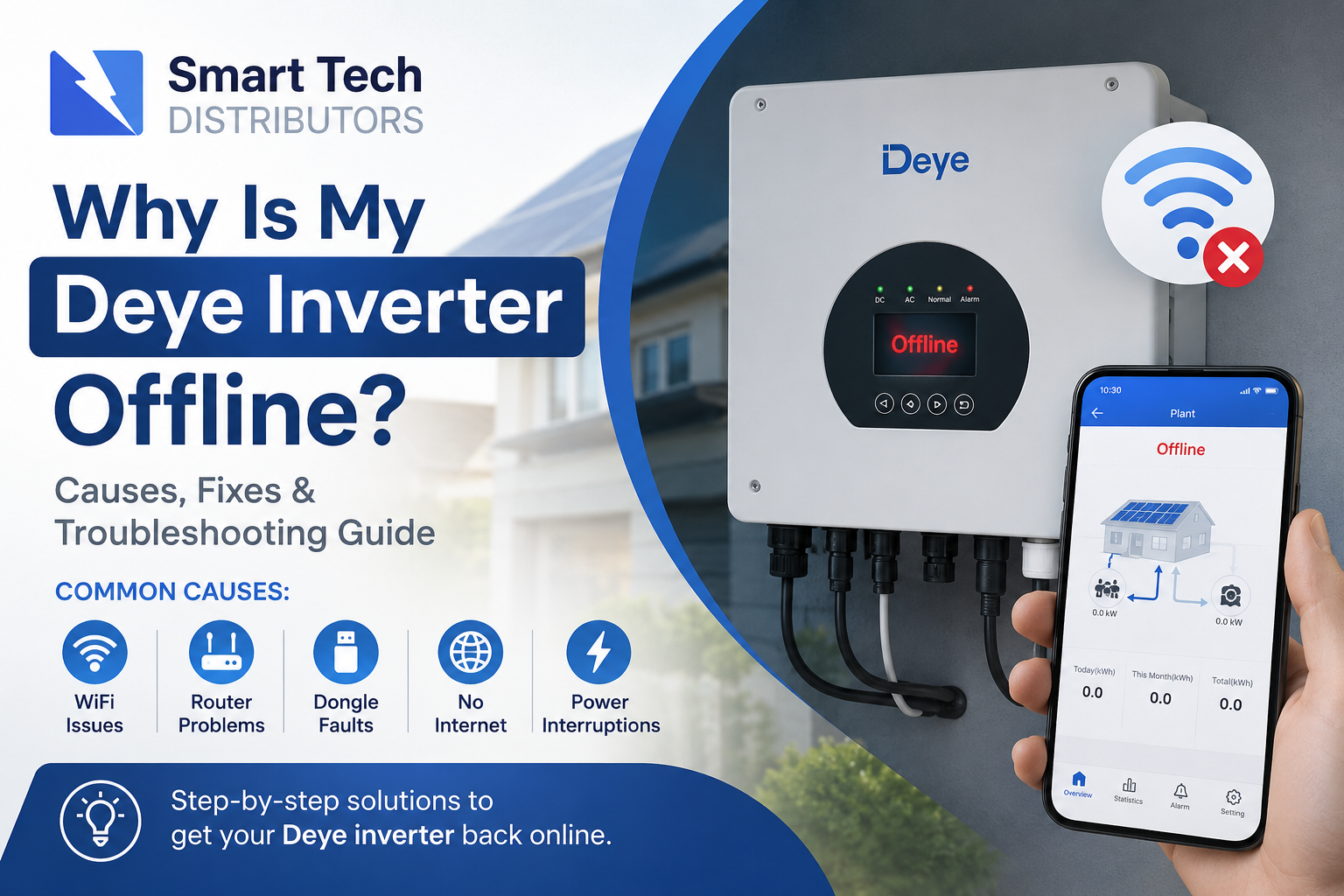
Complete Troubleshooting Guide for South African Users (2026)
If your Deye inverter is showing offline in the app, not updating data, or disconnected from WiFi, you’re not alone. This is one of the most common issues experienced by solar users in South Africa.
The good news? In most cases, the problem is quick to fix without replacing the inverter.
In this guide, we’ll explain:
- Why your Deye inverter goes offline
- How to reconnect it
- What the warning lights mean
- How to fix WiFi dongle issues
- When to contact your installer
What Does “Offline” Mean on a Deye Inverter?
When your Deye inverter is “offline,” it means the inverter is still operating, but it is not communicating with the monitoring platform or mobile app.
Your solar system may still be:
- Producing power
- Charging batteries
- Running your home normally
The issue is usually with:
- Internet connectivity
- The WiFi dongle
- Router settings
- The monitoring server connection
Common Reasons Your Deye Inverter Is Offline
1. WiFi Router Changed or Restarted
This is the most common issue.
If:
- You changed your WiFi password
- Installed a new router
- Restarted your internet
- Switched internet providers
…the inverter may no longer connect automatically.
Symptoms
- App shows offline
- No recent data updates
- WiFi dongle lights flashing abnormally
Fix
Reconnect the WiFi dongle using the:
- Solarman Smart app
- Deye Cloud app
- Local WiFi configuration mode
2. Weak WiFi Signal
Many inverters are installed:
- In garages
- Outside walls
- Metal enclosures
- Utility rooms
These areas often have poor WiFi coverage.
Symptoms
- Intermittent offline alerts
- System disconnects at night
- Slow data updates
Fixes
- Move the router closer
- Install a WiFi extender
- Use a mesh WiFi system
- Install a dedicated access point near the inverter
3. WiFi Dongle Has Frozen
The Deye logger/dongle occasionally freezes after:
- Power outages
- Load shedding
- Firmware glitches
Symptoms
- No lights on dongle
- Solid red light
- Flashing incorrectly
- App permanently offline
Fix
Perform a dongle reboot:
- Remove the WiFi dongle from the inverter
- Wait 30 seconds
- Reinsert the dongle
- Wait 2–5 minutes
The inverter should reconnect automatically.
4. Internet Service Is Down
Sometimes the inverter is fine — your internet simply isn’t working.
Check:
- Can your phone connect to WiFi?
- Is the router online?
- Are other smart devices connected?
South African fibre and LTE outages can interrupt inverter communication temporarily.
5. Incorrect WiFi Band
Most Deye WiFi dongles support:
- 2.4GHz WiFi only
They usually do NOT support:
- 5GHz-only networks
Fix
Enable:
- 2.4GHz on your router
- Mixed-band mode
Or create a dedicated 2.4GHz network.
6. Power Surges or Load Shedding
Frequent power interruptions can:
- Freeze the dongle
- Corrupt temporary connections
- Cause router startup delays
Recommended
After load shedding:
- Restart router first
- Wait for internet connection
- Then restart inverter dongle if necessary
7. Solarman or Deye Server Issues
Occasionally the monitoring platform itself experiences downtime.
Symptoms
- App offline for many users
- Inverter working normally locally
- No updates despite internet working
What To Do
Wait 15–30 minutes and check again.
Most cloud outages resolve automatically.
What the Deye WiFi Dongle Lights Mean
Normal Operation
- Solid Red Light = Power connected
- Flashing Green Light = Sending data normally
Possible Problems
| Light Status | Meaning |
|---|---|
| No lights | No power or faulty dongle |
| Solid green only | Connected to router but not server |
| Fast flashing | Configuration mode |
| Red only | Internet problem |
| No flashing | Frozen dongle |
How To Reconnect Your Deye Inverter to WiFi
Method 1: Using the Solarman Smart App
Step 1
Download:
- SOLARMAN Smart
Step 2
Press and hold the dongle reset button for 5–10 seconds.
Step 3
Connect your phone to:
- AP_xxxxx WiFi network
Step 4
Open the app and follow:
- Device configuration
- Select your home WiFi
- Enter password
Step 5
Wait 2–5 minutes for reconnection.
How To Prevent Future Offline Problems
Best Practices
- Use stable fibre internet
- Install WiFi extenders if needed
- Keep router close to inverter
- Avoid switching router names/passwords
- Use surge protection
- Reboot router monthly
When You Should Call an Installer
Contact your installer if:
- Dongle lights never turn on
- Inverter repeatedly disconnects
- App cannot detect the logger
- WiFi setup keeps failing
- The dongle is physically damaged
The WiFi logger itself may need replacement.
Frequently Asked Questions
Does an Offline Deye Inverter Still Work?
Yes. In most cases, the inverter continues operating normally even when offline.
Can Load Shedding Cause Offline Errors?
Yes. Repeated outages can freeze the WiFi dongle or interrupt router startup.
Why Does My Inverter Go Offline at Night?
Usually:
- Weak WiFi signal
- Router power-saving settings
- Internet instability
Do I Need Internet for My Solar System To Work?
No. Internet is only required for:
- Monitoring
- Remote access
- App data
The inverter can still run without internet.
Final Thoughts
An offline Deye inverter is usually caused by:
- WiFi problems
- Router issues
- Load shedding interruptions
- Frozen dongles
Most issues can be resolved in a few minutes by:
- Restarting the dongle
- Reconnecting WiFi
- Improving signal strength
If the problem continues regularly, it may indicate:
- A failing WiFi logger
- Poor network coverage
- Incorrect router settings
For professional solar support, inverter setup, or WiFi troubleshooting in South Africa, contact Smart Tech Distributors for assistance.
